Have you ever watched an old black-and-white photo on screen as the camera slowly moved toward a soldier’s face, until he suddenly seemed to come alive? In film and media studies, this technique of making a still photograph feel as if time is passing is called the ‘Ken Burns Effect’.
Put simply, the Ken Burns Effect means ‘a technique that creates motion by having the camera slowly sweep across or move closer to a still photograph.’ The name comes from the American documentary filmmaker Ken Burns, who used the approach so extensively in his history documentaries that his name became the name of the technique.
In this article, we will look in turn at the definition and origins of the Ken Burns Effect, the four movements that make up the effect, the documentary The Civil War and the story behind the name, and finally its uses today and points to watch.
Camera Movement That Breathes Time into Still Photographs
1. Definition and Origins of the Ken Burns Effect
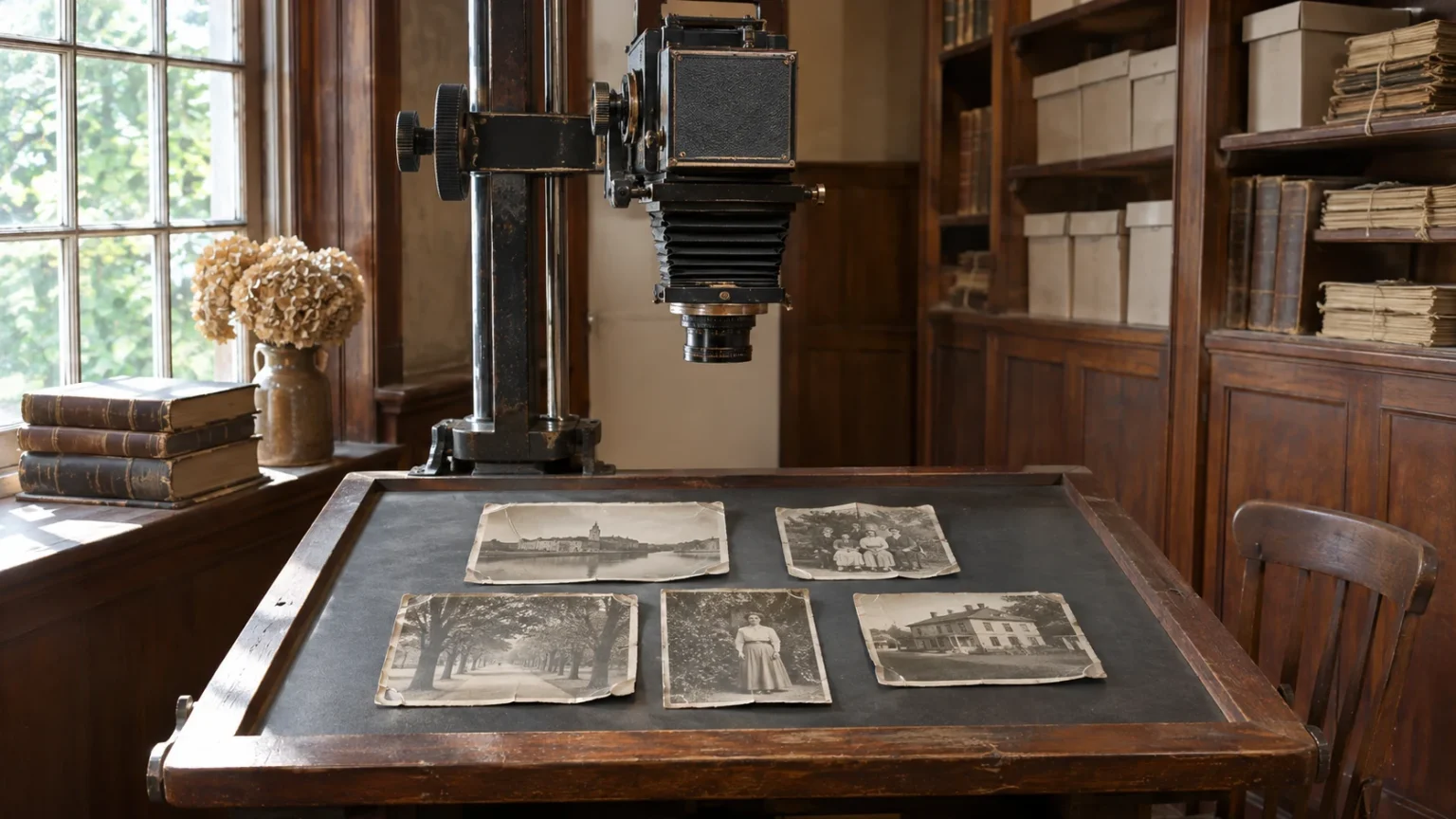
The Ken Burns Effect was in use long before it had a name. To cover eras with no moving footage, filmmakers had to find some way to bring the surviving photographs and paintings to life.
(1) A stand for filming pictures: the rostrum camera
In the past, photographs and paintings were placed on a flat stand and filmed with a rostrum camera mounted above them. By shifting the camera or the stand little by little while filming, the camera appears on screen to glide across the photo. Today the same movement is mostly created digitally inside editing software.
(2) “City of Gold” and ‘stills in motion’
“City of Gold,” made by the National Film Board of Canada in 1957, was built from camera moves that sweep across and close in on archival photographs of the Klondike Gold Rush; it was nominated for an Academy Award, and Ken Burns has cited the film as an example. From around the time of NBC’s “Meet Mr. Lincoln” in 1959, the American broadcasting industry called this approach ‘stills in motion.’
(3) The power of photographs, learned from a mentor
Ken Burns has said that he learned how to use still photographs in documentaries from the documentary filmmaker Jerome Liebling. He did not invent the technique, but he refined it into a way of making viewers look at a single photograph for a long time and brought it to a wide audience.
2. The Four Movements That Make Up the Ken Burns Effect
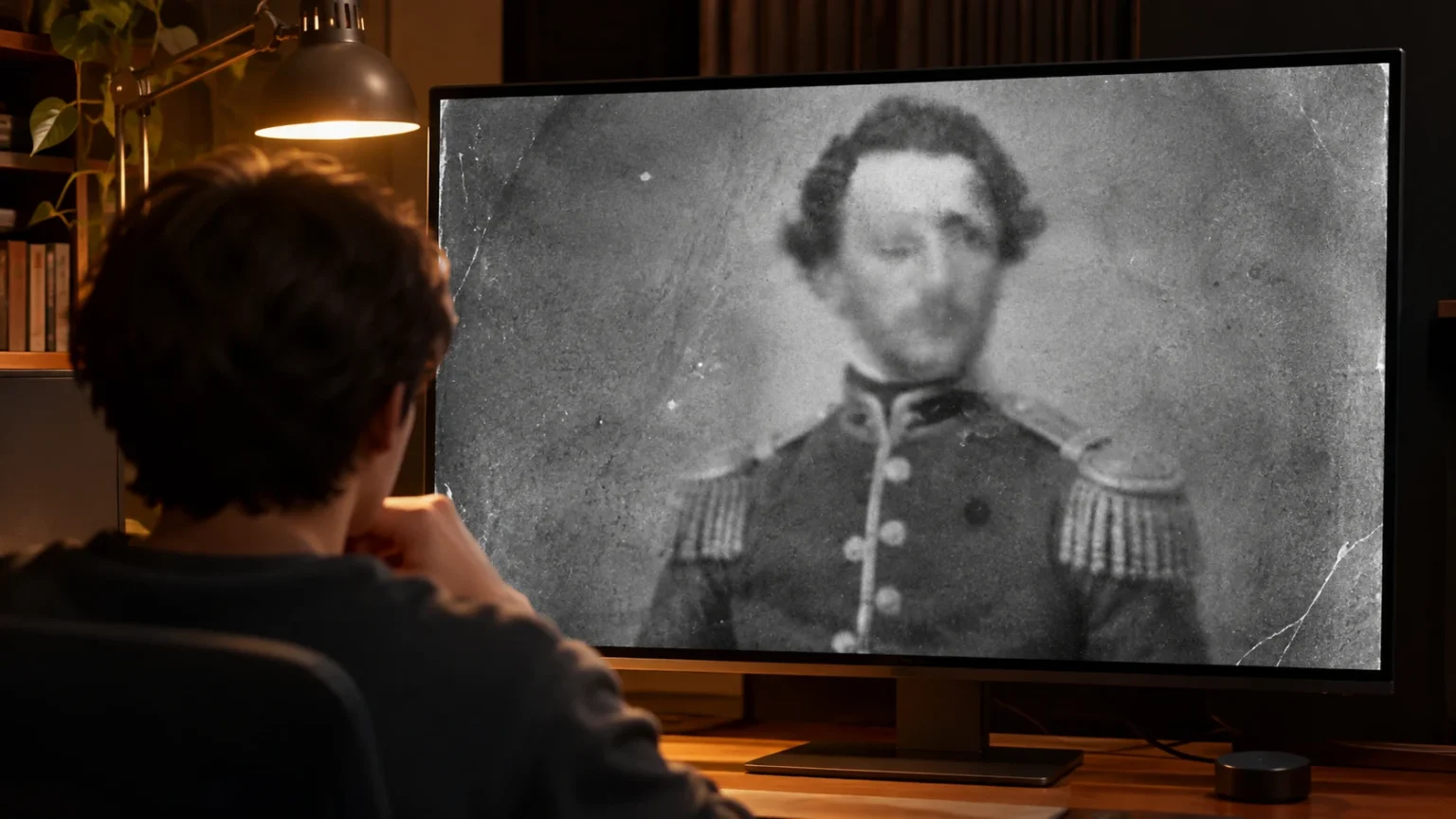
The Ken Burns Effect is built by combining a few simple camera movements. The basic idea is to set a start frame and an end frame and connect them slowly over a few seconds.

- Pan: The camera slowly sweeps sideways or up and down across the photo, revealing a wide landscape or a row of people one by one.
- Zoom In: Starting from the whole photo, the camera moves closer to a small detail such as a person’s face or hands, drawing the viewer’s eye.
- Zoom Out: Starting from a small detail, the camera reveals the whole picture, showing what situation the person was in.
- Dissolve: One photo gradually fades out as the next one fades in over it, linking the scenes smoothly.
These movements start and stop in step with the narration and music. Even the same photograph can tell a completely different story depending on where the move begins and where it ends.
3. The Civil War Documentary and the Story Behind the Name
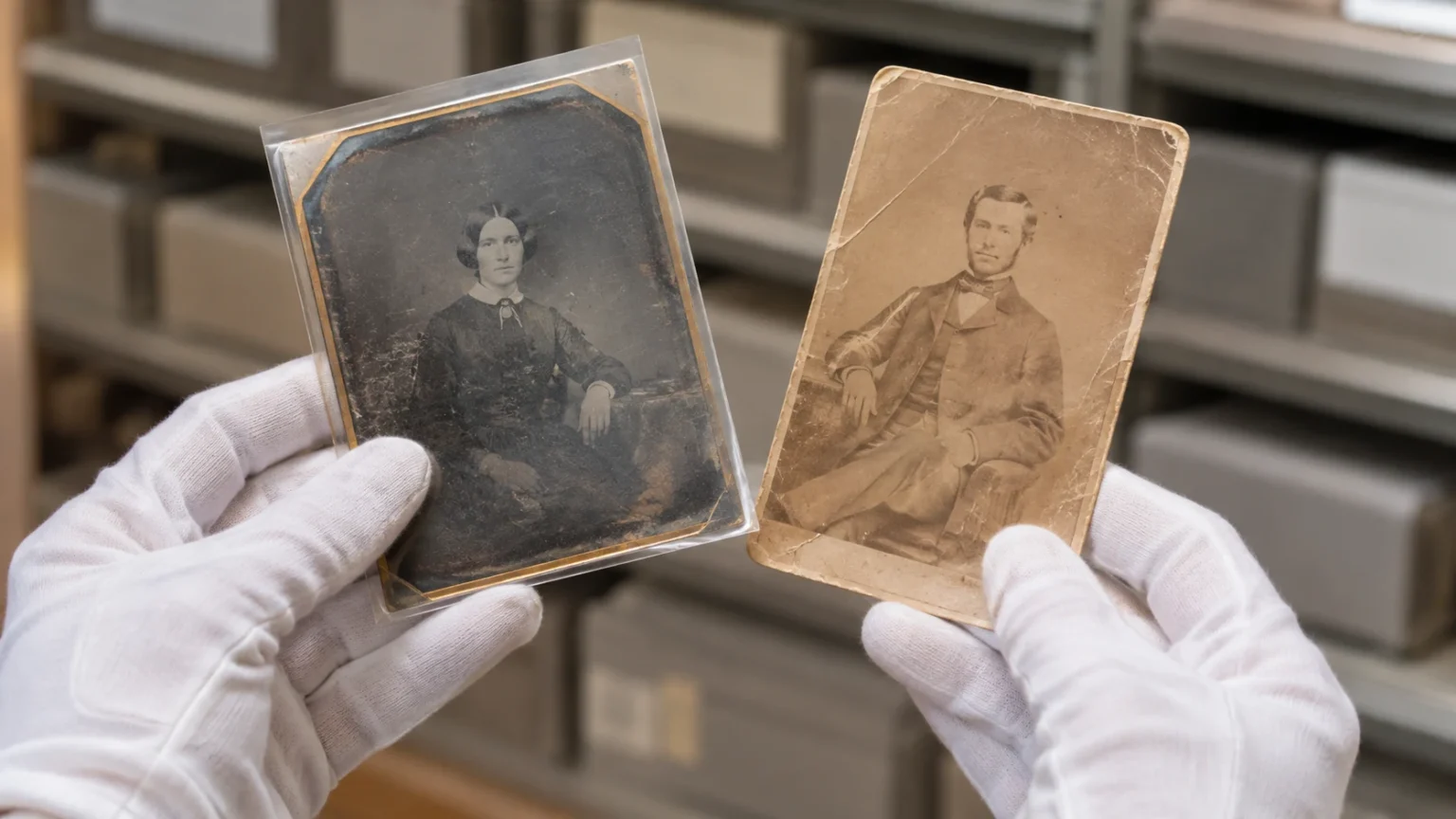
How this technique came to bear one person’s name involves both a documentary and a company’s software.
(1) The Civil War, built from 16,000 records
In September 1990, the American public broadcaster PBS aired Ken Burns’s nine-part documentary The Civil War on five consecutive nights. Its total running time is 690 minutes, and the screen was filled with slow moves across about 16,000 photographs and paintings of the period, along with letters and diaries read aloud by actors.
(2) The most-watched program on PBS
More than 39 million viewers watched at least one episode, and an average of more than 14 million watched each evening. As it became the most-watched program ever aired on PBS, the slow movement across photographs also became known as his signature technique.
(3) The name given in iMovie
In January 2003, Apple released its video editing program iMovie 3 and named the feature that adds pans and zooms to photos the ‘Ken Burns Effect.’ The name had originally been an internal working title, and Steve Jobs personally asked Burns for permission to use it; Burns at first refused because he did not allow his name to be used commercially, then agreed in exchange for equipment, which he reportedly donated for nonprofit use.
4. Uses Today and Points to Watch

Today the Ken Burns Effect appears almost everywhere photos are shown, from the memory videos in smartphone albums to news reports and online videos.
(1) A basic feature found everywhere
Apple’s Final Cut Pro and iMovie, as well as OpenShot for Linux, offer the feature under this very name, and most other editing programs, such as Adobe Premiere, include pan-and-zoom tools. The same principle is used in photo slideshows, screensavers and the photo viewers of game consoles.
(2) Giving flat photos depth: the parallax effect
These days, editors also often separate the people and the background in a photo and move them at different speeds. When near objects move faster and distant ones move more slowly, a flat photo looks three-dimensional; this is called the parallax effect.
(3) Movement should follow the story
Simply zooming into every photo at the same speed makes the screen monotonous and can even distract the viewer. Ken Burns himself has said that his work relies far more on a nuanced relationship between the photograph and the sound than on this effect alone. Where the camera looks should be decided by what the narration is saying at that moment.
The simple idea that ‘a photograph may stand still, but the eye that looks at it can move’ is the first step toward understanding the Ken Burns Effect.