
Cybersecurity has become an essential part of modern information society, with understanding malicious software (Malware) and responding to it playing a central role. Malware is harmful software designed to damage systems or steal data, and its types and characteristics vary widely.
This article explores the various definitions and characteristics of malware and examines specific countermeasures for each type.
Understanding the Definitions and Characteristics of Different Types of Malware

What Is Malware
Malware refers to software that infiltrates computer systems and causes harm in various ways. It primarily damages or steals data and causes problems such as reduced system performance. Common types of malware include viruses, worms, Trojan horses, spyware, ransomware, and adware. Each attacks systems differently, and the appropriate response varies according to its characteristics.
Viruses: Threats That Infect Files
A virus is malware that attaches itself to user files or system files and spreads by replicating itself whenever those files are executed. Viruses primarily infect files and reduce system performance, interfering with users' work. These viruses often infect systems because of user carelessness and can also spread when files are downloaded or email attachments are opened. Files from untrusted sources should therefore always be handled with care.
Worms: Automatic Spread Through Networks
A worm is malware that replicates itself and spreads through networks. Although it does not directly infect system files, it can reduce system performance by causing a surge in network traffic. Worms spread automatically without human intervention and can spread widely in a short time. To prevent damage from worms, maintaining thorough network security and applying the latest security patches are essential.
Trojan Horses: Malware Disguised as Legitimate Software
A Trojan horse is malware that infiltrates a user's system by disguising itself as legitimate software. Users install it under the mistaken belief that it is a trustworthy program, allowing hackers to access the system remotely through a backdoor. Because this can pose a serious security threat, it is important to always verify the source when installing software and avoid untrustworthy programs.
Spyware: Secretly Collecting Users' Information
Spyware is software installed without the user's consent that monitors the user's activities or collects sensitive information. It is primarily exploited for advertising or financial fraud and can seriously violate users' privacy. Since spyware is often distributed as part of free software, users should read carefully when installing software and avoid unnecessary additional installations.
Ransomware: Holding Files Hostage and Demanding Money
Ransomware is malware that encrypts users' files and then demands money in exchange for restoring them. A ransomware infection prevents access to important data. Without backups or available decryption tools, file recovery may be difficult, and paying does not guarantee recovery. Businesses in particular can suffer enormous financial losses if they experience a ransomware attack. To prepare for ransomware, important data should be backed up regularly, and security software should be kept up to date.
Countermeasures Against Malware
Various security measures must be taken to prepare for malware threats. First, particular care is needed when opening untrusted emails or files. Second, operating systems and security software should be kept up to date to minimize vulnerabilities. Third, it is important to prepare by backing up data regularly so that damage can be minimized even if a malware infection occurs.
Differences Between Viruses and Worms and an Analysis of Their Threats
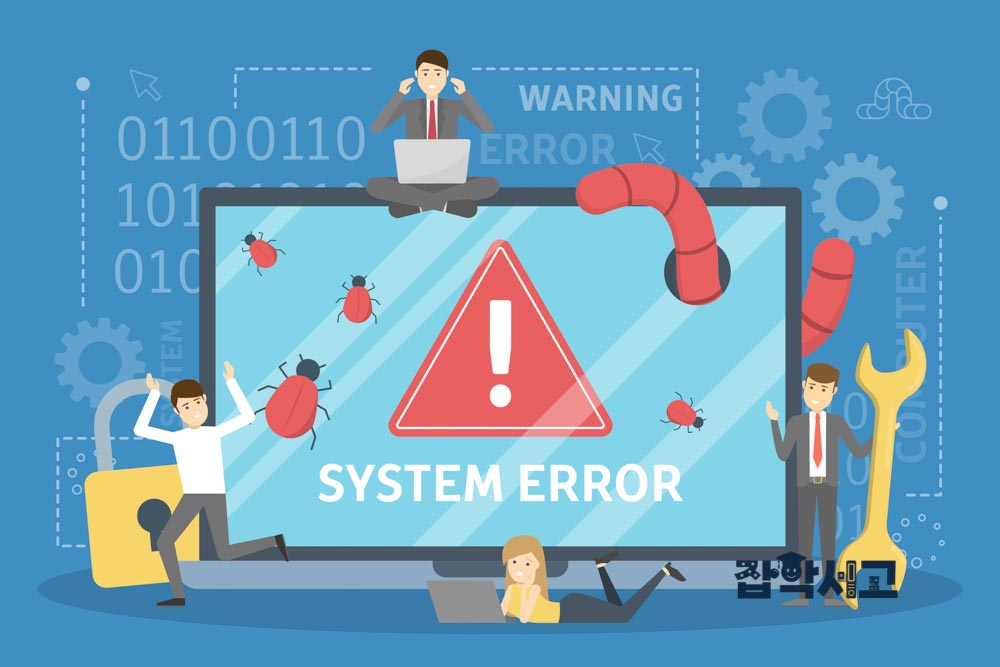
Differences Between Viruses and Worms
Viruses and worms are both malware capable of replicating themselves, but they operate in distinctly different ways. A virus attaches itself to a file, replicates itself, and spreads whenever that file is executed. Because this requires user intervention, infections mainly occur when users open email attachments or download files. In contrast, worms replicate themselves and spread through networks, spreading automatically without human intervention. This gives worms the potential to spread on a large scale in a short time.
Virus Threats: File Damage and Reduced Performance
Viruses primarily cause harm by infecting files and damaging or deleting them. Infected files may fail to run properly, or their contents may be altered, preventing users from working smoothly. Viruses also consume excessive system resources, reducing computer performance. In particular, when viruses spread extensively, systems can become slow or unstable, greatly reducing work efficiency.
Worm Threats: Reduced Network Performance and Denial-of-Service Attacks
Worms do not infect files, but they spread rapidly through networks and cause a surge in network traffic. This consumes system resources and reduces the performance of network-based systems, potentially causing denial-of-service (DoS) attacks. In large networks in particular, the spread of worms can cripple the entire network, causing serious damage to businesses or institutions. These characteristics make a rapid response to worms essential.
Common Countermeasures Against Viruses and Worms
Thorough security management is an effective countermeasure against both viruses and worms. First, systems should be continuously protected using up-to-date security software. Second, it is important to minimize vulnerabilities through regular system updates and security patches. Finally, users need to be educated and reminded to avoid opening suspicious files or emails. This can block the routes through which malware enters.
Thorough Security Management and Vigilance Are Essential
Viruses and worms harm systems in different ways. Viruses damage files and reduce system performance, interfering with users' work, while worms reduce network performance and can cause damage on a large scale. However, both types of malware can be adequately countered through thorough security management and user vigilance alone. Above all, it is important to use these measures to prevent malware from spreading and keep systems secure.
How Trojan Horses and Spyware Work and the Damage They Cause

Trojan Horses: Intruders Disguised as Legitimate Software
A Trojan horse (Trojan), as its name derived from Greek mythology suggests, is malware that infiltrates a user's system by disguising itself as legitimate software. When users install it under the mistaken belief that it is a trustworthy program, hackers can install a backdoor in the system and gain remote access. This is exploited to take complete control of the system or steal user information.
Trojan horses spread primarily through email attachments or malicious links. When users unsuspectingly open a file or install a program, the malware activates at that moment and infiltrates the system. Once a backdoor is opened, hackers can remotely inspect the system's contents, steal important information, or plant additional malware. Sensitive data such as passwords and financial information is particularly at risk of exposure.
Spyware: Intruders That Secretly Collect Information
Spyware is software installed on a system without the user's consent that secretly tracks the user's activities or collects information. It is primarily used for advertising or exploited for illegal activities such as financial fraud. When users visit websites or shop online, spyware records all of those activities and transmits sensitive information externally.
This malware is primarily installed as part of free software or shareware. When users install software, spyware is often installed alongside it without their knowledge. As a result, users face the risk of having their personal activities monitored and their personal or financial information leaked externally.
Damage Caused by Trojan Horses and Spyware
Trojan horses and spyware each harm systems in various ways. Trojan horses help hackers gain control of systems, allowing them to easily steal sensitive data or damage the systems. Furthermore, additional malware may be installed through them. Because Trojan horses can seriously harm systems without users' knowledge, thorough security management is needed to prevent them.
Spyware primarily violates individuals' privacy. It records activities without users' knowledge and can use those records for advertising or financial fraud. These activities can cause substantial financial damage without users realizing it and may also lead to legal problems resulting from information leaks.
Countermeasures Against Trojan Horses and Spyware
Using trustworthy security software is essential to preventing damage from Trojan horses and spyware. System scans should be performed regularly to detect and remove malware. It is also important never to open suspicious email attachments or download links. Particular care should be taken when installing free software from unclear sources, and it is advisable to prevent unnecessary programs from being installed.
Response Strategies and Prevention Methods for Ransomware and Adware
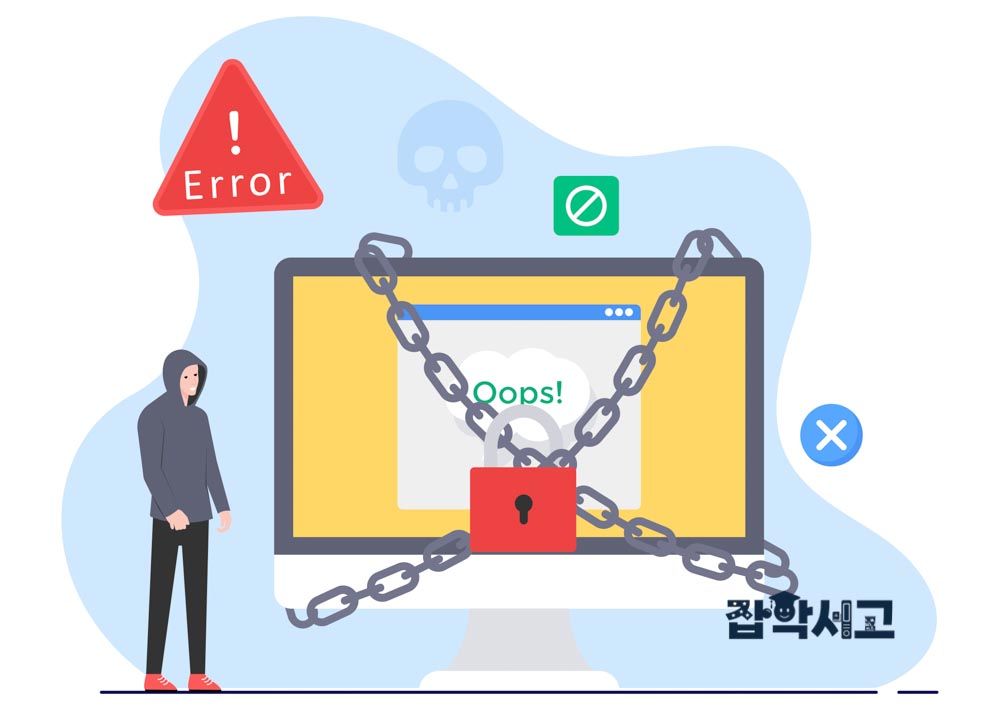
Ransomware: Malware That Holds Files Hostage
Ransomware is malware that encrypts users' files and then demands money in exchange for restoring them. It usually demands payment in cryptocurrencies such as Bitcoin and causes serious financial damage to individuals and businesses alike. A ransomware infection prevents access to files. Without backups or available decryption tools, file recovery may be difficult, and paying does not guarantee recovery.
Ransomware primarily infiltrates systems through phishing emails, malicious advertisements, and vulnerable Remote Desktop Protocol (RDP) connections. Ransomware is installed on a system when users unsuspectingly open attachments in phishing emails or visit websites containing malware. The files stored on the system are then encrypted and held hostage, and hackers demand money in exchange for their recovery.
Adware: Disrupting Systems with Unwanted Advertisements
Adware is malware that continuously displays advertisements users do not want. It is primarily distributed as part of free software and is installed on systems with or without users' knowledge during program installation. Adware primarily generates revenue by repeatedly displaying advertisements whenever users visit websites.
Adware disrupts users' web browsing experience and can reduce system performance. Multiple advertising windows or persistent pop-up advertisements make normal web use difficult. Caution is also needed because, in addition to displaying advertisements, adware can collect personal information or provide a route to other malware.
Ransomware Response Strategies
The most important response strategy for protection against ransomware is regular backups. Periodically backing up important files to external storage or the cloud can minimize data loss even if a ransomware attack occurs. Backups are an important means of recovering data after a ransomware infection, so it is important to keep them up to date and separate from infected systems.
Users should also use up-to-date security software and regularly update their systems and software. This is an important preventive measure that blocks vulnerabilities ransomware could exploit before an attack occurs. Finally, avoiding clicks on suspicious email attachments or links is central to preventing ransomware. Since phishing attacks are a major route through which ransomware spreads, users must always remain vigilant.
Adware Prevention Methods
Since adware is often installed without users' knowledge, it is important to install only trustworthy software. When installing free software in particular, users should carefully check whether additional programs will be installed and configure the installation to prevent unnecessary software from being installed. Ad-blocking software can also be used to block unnecessary advertisements and optimize system performance.
Since adware can threaten users' privacy as well as reduce system performance, it should always be managed with vigilance. It is advisable to check for adware infections through regular system inspections and scans and remove any adware immediately.
The Importance of User Education
User education is the most important factor in preventing both ransomware and adware. Care should be taken to avoid clicking suspicious email attachments or links, and regular security training is needed to inform users about the latest security threats. Since a single wrong action can infect a system with malware, it is important for users themselves to remain vigilant.
Malware is one of the greatest threats to cybersecurity and can cause various kinds of damage depending on its type and characteristics. This article explained the definitions and characteristics of different types of malware, including viruses, worms, Trojan horses, spyware, ransomware, and adware, and presented specific countermeasures for each.
Thorough security management and user vigilance can help establish systems that are safe from malware threats. Above all, it is important to maintain a safe cyber environment through ongoing security education and the appropriate use of up-to-date security software.