
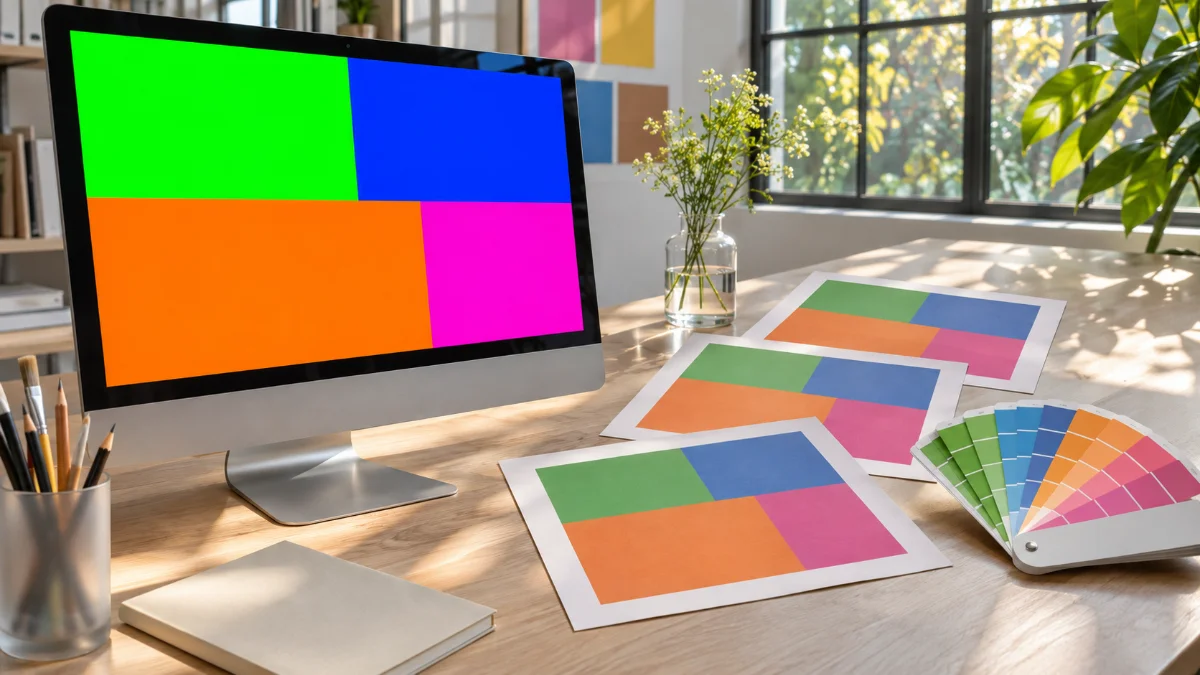
On the monitor, the green logo looked vivid; on the business cards picked up from the print shop, it has turned into a dull grassy green. The file is the same and the color values haven’t changed, so why does this happen?
The answer is that screens and paper create color in opposite ways. Screens use RGB (Red, Green, Blue), which makes color by adding light, while printing uses CMYK (Cyan, Magenta, Yellow, Key), which subtracts light with ink.
The difference becomes clear once you know five key terms. Let’s go through them in order, from how light and ink mix colors to why some colors drop out during conversion.
Key Terms for Understanding RGB and CMYK
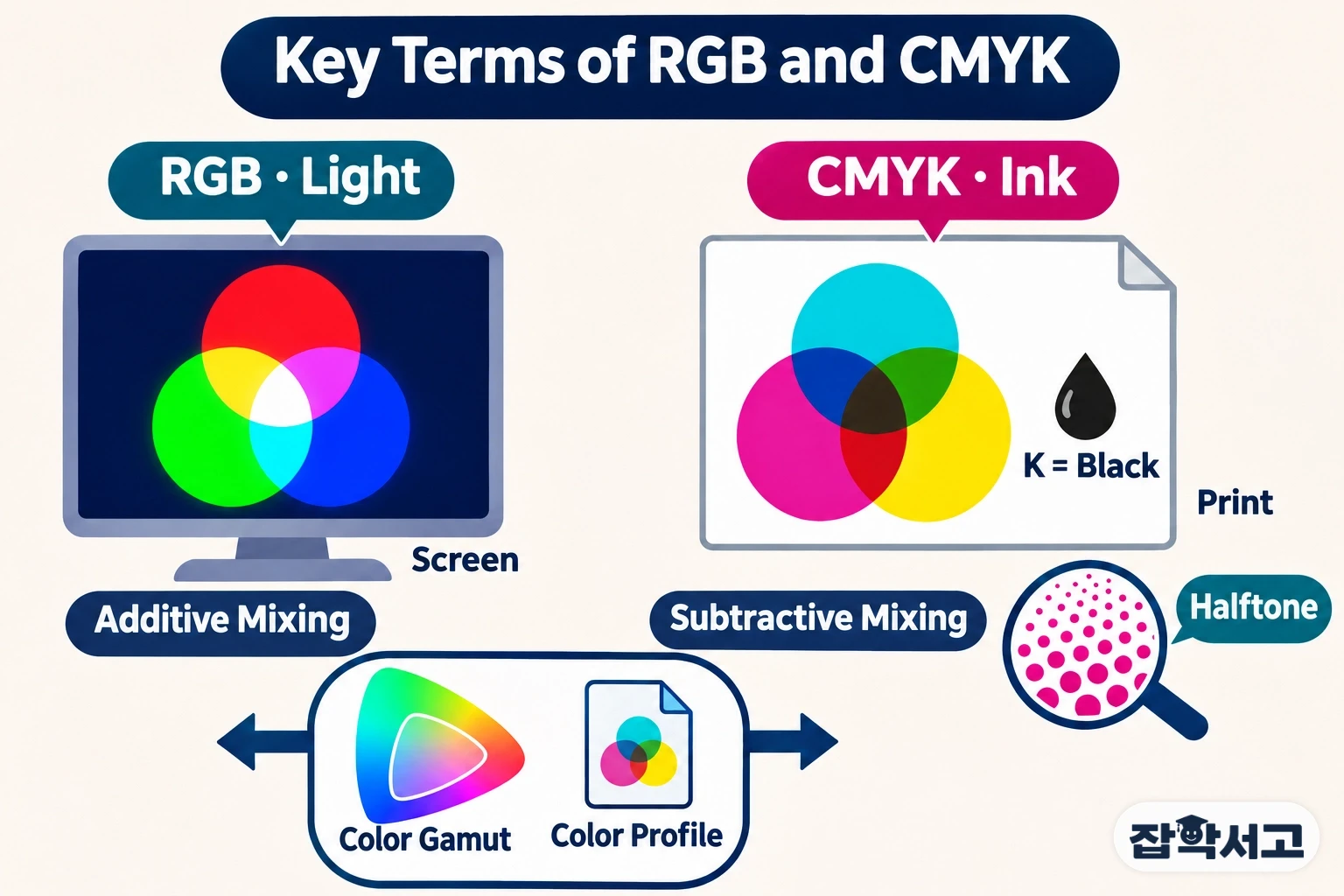
The five terms below are connected. Additive and subtractive mixing are the starting points of the two systems, halftone is how ink actually sits on paper, and color gamut and color profiles are the bridges between screen and paper.
Additive Color Mixing
Additive mixing is a way of mixing color in which adding light makes the result brighter. Red and green light overlap to make yellow, green and blue make cyan, blue and red make magenta, and all three at equal strength make white. With no light at all, you get black. Stage lighting that overlaps colored lights to create white light works on the same principle.
Monitor and smartphone screens run on exactly this principle. Zoom in far enough and you will see tiny red, green and blue dots packed together; adjusting the brightness of each dot produces countless colors. Three lights are the standard because the human eye has three types of cone cells that sense color. Digital files usually record each light in 256 steps from 0 to 255, describing more than 16 million combinations.
Subtractive Color Mixing
Subtractive mixing is a way of mixing color in which the more you mix, the darker it gets. Ink on paper cannot give off light by itself; it absorbs, or subtracts, part of the light that falls on the paper. Cyan ink absorbs red light, magenta absorbs green light and yellow absorbs blue light, reflecting the rest. Paints turning muddy the more you mix them follows the same logic.
In theory, overlapping all three inks should absorb all light and produce black, but real inks are not perfect, so the result is closer to a murky brown. That is why printing adds a separate black ink, the K in CMYK. K is generally said to come from the key plate, which once served as the reference for aligning the other plates, and black ink makes text sharper while saving ink.
Halftone
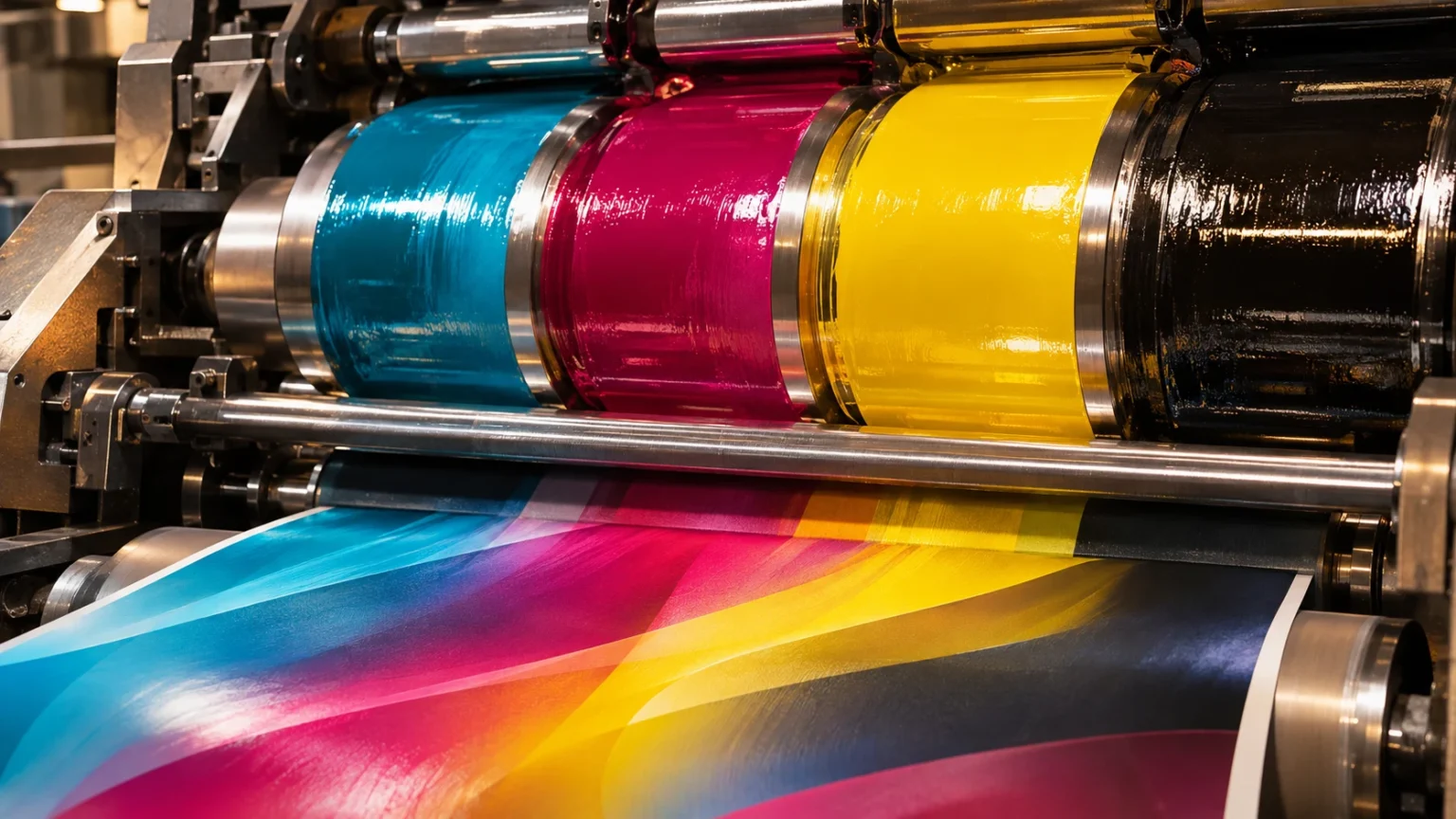
A printing press cannot vary the strength of its ink little by little. At any given spot it either prints ink or it doesn’t, so light colors are made with small, sparse dots and dark colors with large, dense ones. These tiny dots, printed in varying sizes and spacing, are called halftone dots.
Look at a magazine photo through a magnifying glass and you will see cyan, magenta, yellow and black dots arranged like petals. Each color’s rows of dots are set at a different angle so that the four colors don’t stack along the same lines and create wavy interference patterns (moiré). From a little distance, the eye blends these dots into a single color. Dot density is expressed as lines per inch (lpi): newsprint, where ink spreads easily, gets coarser screens, while smooth magazine paper gets finer ones.
Color Gamut
A color gamut is the range of colors a device can reproduce. The RGB gamut of a screen and the CMYK gamut of print differ in size and shape, and the screen’s is generally wider. Near-fluorescent greens, vivid blues and bright oranges in particular may appear on screen but are hard to print as-is with four inks. Conversely, some print colors, such as certain cyans and yellows, fall outside the standard screen gamut, so the two ranges are less a case of large and small than two shapes that overlap off-center.
When an RGB file is converted to CMYK, colors outside the range are moved to the nearest printable color, and saturation drops. The green on the business card that turned dull at the start is exactly this. When that exact color is essential, a separate spot-color ink, premixed according to a color matching system such as Pantone, is sometimes used.
Color Profile (ICC Profile)
The same RGB values look slightly different from monitor to monitor, and the same CMYK values come out differently depending on the press and paper. A color profile is a description of what color a device actually produces for a given set of numbers. The International Color Consortium (ICC), formed by a group of companies in 1993, set the standard format for these files, which is why they are commonly called ICC profiles.
Software passes the numbers through a profile into a device-independent reference color space and then converts them into the numbers for the target device. sRGB, widely used on the web, is likewise a standard RGB color space proposed by HP and Microsoft in 1996. Previewing a print file with the CMYK profile your print shop uses lets you predict the result much more closely.
RGB and CMYK, Revisited Through the Terms
In short, RGB creates color on screens through additive mixing, which adds light, while CMYK creates color on paper through subtractive mixing, which subtracts light, and halftone dots. Because the two systems have different gamuts, some colors drop out in conversion, and color profiles narrow that gap. So the simplest way to protect your colors is to work in RGB for screen projects but keep the CMYK gamut in mind from the very start for anything you plan to print.
Recommended reading