
With advances in video production and streaming technology, we can now easily access high-quality video. However, many people still do not clearly understand the important factors that determine video quality. Among them, frame rate (Frame Rate) is one of the key factors that determine video quality.
This article will provide an in-depth analysis of the definition and basic concepts of frame rate, its effects on video quality, the advantages and disadvantages of different frame rate settings, frame rate usage by country, the concepts of drop frame and non-drop frame and how to distinguish them, and guidelines for choosing the optimal frame rate.
The Definition and Basic Concepts of Frame Rate
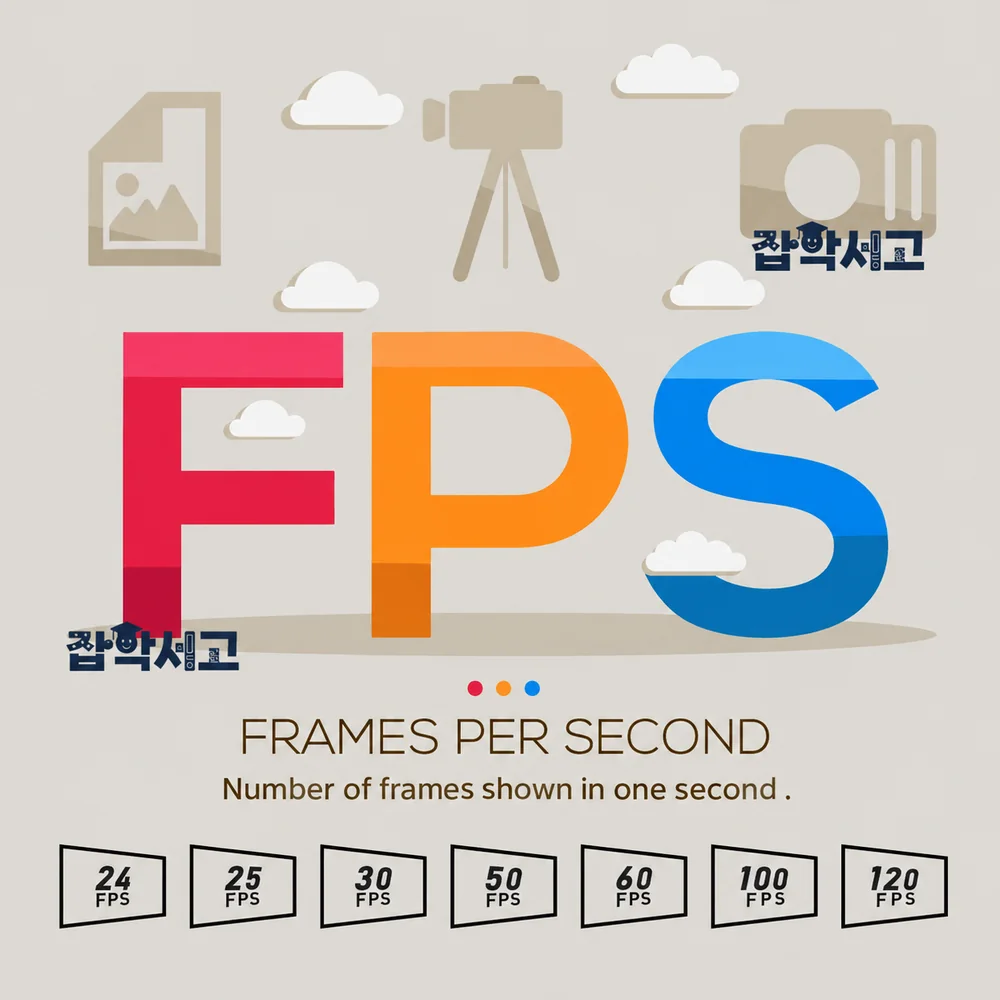 What Is Frame Rate (fps)?
The Concept of Frame Rate
Frame rate refers to the number of images or frames displayed in 1 second. It is commonly expressed as “fps” (frames per second); for example, 30 fps means that in 1 second, 30 frames are displayed. Frame rate is considered an important factor in determining a video's smoothness and visual quality.
Frame Rate and the Depiction of Motion
Frame rate directly affects how motion is depicted in video. At a high frame rate, more images are displayed within a short period, making motion appear smoother and more natural. In contrast, a low frame rate can make motion feel choppy or as though parts of it have been skipped.
Frame Rate Categories
Frame rates can basically be divided into three broad categories. These are low frame rates (15-24 fps), medium frame rates (25-30 fps), and high frame rates (60 fps or higher), with each range selected to suit specific uses and environments. For example, films are traditionally shot at 24 fps, while television broadcasts primarily use 30 fps.
The Performance of Recording and Playback Equipment
Frame rate is also affected by the performance of recording and playback equipment. Cameras and display equipment need high performance to support high frame rates. Frame rate settings should therefore be chosen carefully, taking the equipment's specifications and intended use into account.
The Relationship with Data Size
Frame rate is also closely related to data size. High frame rates require more data, which can place demands on storage space and transmission bandwidth. These factors should therefore also be considered when setting the frame rate during video production.
Viewer Experience and Frame Rate
Finally, frame rate directly affects the viewer's experience. Choosing an appropriate frame rate is important for delivering smooth, natural video. It is therefore essential to clearly understand the definition and basic concepts of frame rate.
How Frame Rate Affects Video Quality
 What Is the Relationship Between Frame Rate and Video Quality?
Visual Smoothness and Immersion
Frame rate has a major impact on video quality, both directly and indirectly. First, a high frame rate increases a video's visual smoothness. This is particularly noticeable in sports events and action scenes with a great deal of fast movement. Because motion is depicted more naturally at higher frame rates, viewers are given a more immersive experience.
Continuity of Motion and Viewer Immersion
In contrast, a low frame rate disrupts the continuity of motion and can consequently make a video feel choppy. This is one of the major factors that reduce viewer immersion and lower the overall quality of a video. For example, video at 15 fps will appear noticeably choppy.
The Interaction Between Resolution and Frame Rate
Frame rate also interacts with a video's resolution. For example, shooting video at 4K resolution with a high frame rate can deliver highly detailed, smooth footage. At a low frame rate, however, the benefits of the resolution may not be fully realized.
Color and the Depiction of Light and Shade
Frame rate can also affect a video's colors and its depiction of light and shade. A high frame rate conveys color changes in greater detail, providing more vivid video. In contrast, a low frame rate can produce an overall dull image because color changes are less distinct.
Audio Synchronization Issues
Audio synchronization issues are also related to frame rate. If the frame rate is inappropriate, video and audio may fall out of sync, causing discomfort for viewers. This becomes particularly problematic in videos where interviews or dialogue are important.
Viewer Fatigue
Finally, frame rate also affects viewer fatigue. A high frame rate can reduce eye fatigue even during extended viewing. Choosing an appropriate frame rate is important so that viewers can enjoy videos more comfortably.
Analyzing the Advantages and Disadvantages of Different Frame Rate Settings
 Tips for Setting the Frame Rate
Low Frame Rates (15-24 fps)
First, low frame rates (15-24 fps) are primarily used in films and animation. 24 fps has become the standard in the film industry, arising from the physical limitations of film and established conventions. The advantage of low frame rates is their smaller data size. This saves storage space and transmission bandwidth. However, their disadvantage is that motion may lack smoothness and feel choppy.
Medium Frame Rates (25-30 fps)
Medium frame rates (25-30 fps) are primarily used in television broadcasts and web videos. 30 fps is also an HDTV standard and provides a balance between adequate smoothness and data size. Frame rates in this range have the advantage of providing sufficiently natural motion in most situations while avoiding excessive data usage. However, they may still feel insufficient in certain situations.
High Frame Rates (60 fps or Higher)
High frame rates (60 fps or higher) are primarily used in games, sports broadcasts, and fast-paced action scenes. 60 fps provides very smooth motion and increases viewer immersion. However, such high frame rates require more data and can place demands on storage space and transmission bandwidth.
The Effects of Frame Rate Settings in Different Viewing Environments
The advantages and disadvantages of different frame rate settings can also vary depending on the viewing environment. For example, relatively low frame rates may not be a major issue on mobile devices or computer monitors, but high frame rates become more important on large televisions or projectors.
Production Costs and Frame Rate Settings
Frame rate settings also affect production costs. Cameras and equipment that support high frame rates can be expensive, and post-processing also requires more time and resources. Frame rate settings therefore need to take the budget into account.
Viewer Preferences and Frame Rate Selection
Finally, different frame rate settings are related to viewer preferences. Some viewers may prefer high frame rates, while others may prefer traditional films at 24 fps. It is therefore important to choose a frame rate that reflects the needs and expectations of the target audience.
Frame Rate Usage by Country
 Different Frame Rates Adopted by Different Countries
Standard Frame Rates by Country
Standard frame rates differ between countries for historical and technical reasons. The most widely used standard frame rates worldwide are 24 fps, 25 fps, and 30 fps. These standards are primarily applied to film, broadcasting, and video content production.
South Korea, North America, and Japan: 30 fps (NTSC)
South Korea, North America (the United States and Canada), and Japan use the NTSC (National Television System Committee) standard and have adopted 30 fps, or more precisely, 29.97 fps. This standard arose from the technical limitations of earlier analog television broadcasting. The NTSC system is synchronized with the electrical frequency (60 Hz), so 30 fps was a natural choice.
Europe and Other Regions: 25 fps (PAL)
Europe, Australia, and some Asian countries use the PAL (Phase Alternating Line) system, which is based on 25 fps. The PAL system is synchronized with the electrical frequency (50 Hz), so 25 fps was adopted as a suitable frame rate. These regions primarily use 25 fps for broadcast content and video production.
The Film Industry: 24 fps
The film industry worldwide uses 24 fps as its standard. This arose from the mechanical limitations of film cameras and projectors and established conventions, and it remains the standard for film production today. Traditional 24 fps also continues to be used in digital filmmaking to preserve the familiar visual feel of films for viewers.
As described above, frame rate usage differs between countries according to each region's broadcasting system and electrical frequency, while 24 fps is used as the worldwide standard in the film industry.
What Are Drop Frame and Non-Drop Frame?
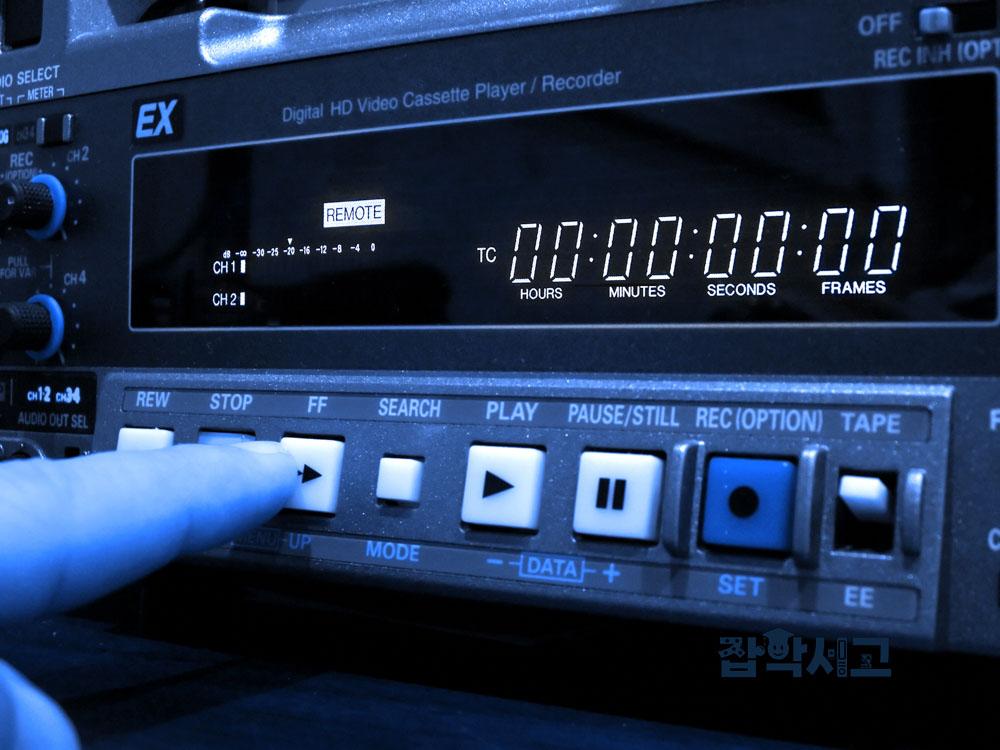 The Concepts of Drop Frame and Non-Drop Frame and How to Distinguish Them
The Definition of Drop Frame
Drop frame (drop frame) is a method used to maintain timecode accuracy in the NTSC video standard. Because the NTSC system uses exactly 29.97 frames per second instead of 30 frames per second, timecode and actual time can gradually drift apart. Drop frame addresses this by periodically skipping specific frames.
How Drop Frame Works
Drop frame skips the first and second frames of every minute and omits this process every 10 minutes so that the timecode matches actual time. For example, 00:01:00:00 does not actually correspond to 60 seconds but to 59.94 seconds, so frames are skipped to compensate for this. This method plays an important role, particularly in the broadcasting industry, where broadcast times and program lengths need to be matched accurately.
The Definition of Non-Drop Frame
Non-drop frame (non-drop frame), unlike the drop frame method, records timecode sequentially without skipping frames. Because frames are not skipped even when using 29.97 fps, the timecode gradually drifts further away from actual time.
Uses of Non-Drop Frame
Non-drop frame is frequently used when timecode consistency is important, such as during video editing. Because the timecode increases sequentially, editing at the frame level is easier, and specific frames can be found easily. However, the difference between timecode and actual time must be kept in mind, and this method may not be suitable for coordinating critical broadcast times.
How to Distinguish Drop Frame from Non-Drop Frame
Drop frame and non-drop frame can be distinguished by their timecode notation.
Drop frame timecode uses semicolons (;) instead of colons (:), or a mixture of colons and semicolons. For example, instead of `01:00:00:00`, it is displayed as `01;00;00;00` or `01:00:00;00`.
Non-drop frame timecode is generally written using colons (:). For example, it is displayed as `01:00:00:00`.
Drop frame and non-drop frame are two ways of handling timecode in the NTSC video standard. Drop frame periodically skips frames to synchronize timecode with actual time and is used to maintain the accuracy of broadcast times. Non-drop frame records timecode sequentially without skipping frames, which is useful during editing but can result in a difference between timecode and actual time. These two methods can be distinguished by the colons (:) and semicolons (;) in their timecode notation.
Guidelines for Choosing the Optimal Frame Rate
 Tips for Choosing Appropriate Frames
The Use and Purpose of the Video
The first consideration is the video's use and purpose. For example, if the video is intended for filmmaking, the traditionally used 24 fps may be suitable. In contrast, if the video is intended for sports broadcasts or game streaming with a great deal of fast movement, a frame rate of 60 fps or higher would be better. It is important to choose the optimal frame rate for the intended use.
The User's Viewing Environment
Second, the user's viewing environment should be considered. The appropriate frame rate may vary across viewing environments, such as mobile devices, computer monitors, and large televisions. For example, large televisions may have a greater need for high frame rates, while relatively low frame rates may not be an issue on mobile devices.
Equipment Performance and Storage Space
Third, equipment performance and storage space should be considered. High frame rates require more data and high-performance equipment. The performance of the camera, computer, and display equipment being used should therefore be carefully assessed, and a suitable frame rate should be selected. Storage space and transmission bandwidth limitations should also be considered.
The Production Budget
Fourth, the production budget should be considered. Equipment that supports high frame rates can be expensive, and post-processing also requires more time and resources. It is therefore important to choose the optimal frame rate within the budget. A frame rate that maintains adequate quality without exceeding the budget needs to be found.
The Target Audience's Preferences
Fifth, the target audience's preferences should be considered. Some viewers may prefer high frame rates, while others may prefer the traditional 24 fps. It is important to choose a frame rate that reflects viewers' needs and expectations. Conducting audience research to identify their preferences is also a good way to do this.
The Video's Content and Subject
Finally, the video's content and subject should be considered. For example, low frame rates may give art films or dramas a more emotional or traditional feel, while medium frame rates may be more suitable for documentaries or news. It is important to choose a frame rate with the video's content and subject in mind.
Frame rate is one of the important factors that determine video quality. It can have a major impact on several aspects of video, including smoothness, visual quality, and data size. It is important to understand the advantages and disadvantages of different frame rate settings and choose the optimal frame rate by considering the intended use and environment, equipment performance, budget, viewer preferences, and other factors.
We hope this article has helped you gain a deeper understanding of the importance of frame rate and the guidelines for choosing it. We look forward to seeing you use these guidelines to produce even higher-quality videos in your future video production work.