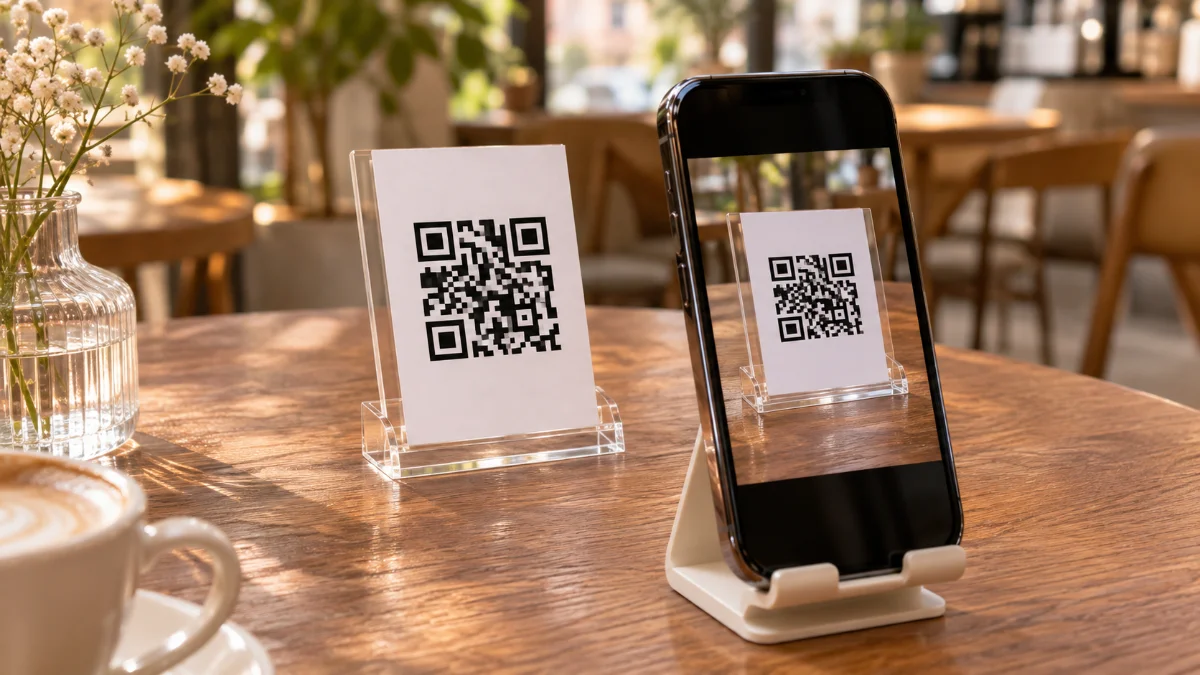
Even when a coffee stain covers one side of the QR code stuck to the corner of a café table, the menu opens the moment you point your phone camera at it. How can a black-and-white square smaller than your palm be so tough?
The QR code, named for “Quick Response,” is a two-dimensional code that stores information both horizontally and vertically so it can be read in an instant. Following its design through a few numbers makes the principle easy to see.
QR Codes by the Numbers
Each tiny black or white square that makes up a QR code is called a “module.” The rules for placing these modules decide how much the code can hold, how fast it is read, and how well it survives damage.
1994 — A Code Born to Read Parts Boxes Faster
The QR code was created in 1994 by a team led by Masahiro Hara at Denso, a Japanese auto parts maker (today the work belongs to Denso Wave). The factory tracked every parts box with barcodes, but each box carried several of them, and scanning them one by one took a long time.

An ordinary barcode stores information in only one direction, so it usually tops out at around 20 digits. Hara is said to have taken his cue from the black and white stones on a Go board and come up with a square code that uses both width and height.
Denso Wave announced that it would not exercise its patent rights, so anyone could freely create and use QR codes. In 2000 the format also became an international standard (ISO/IEC 18004).
QR codes spread into everyday life in Japan in the 2000s, once camera phones began reading them. In South Korea, they became something almost everyone has scanned after being used for entry records at restaurants and cafés during the COVID-19 period in 2020.
3 — The Finder Patterns in Three Corners
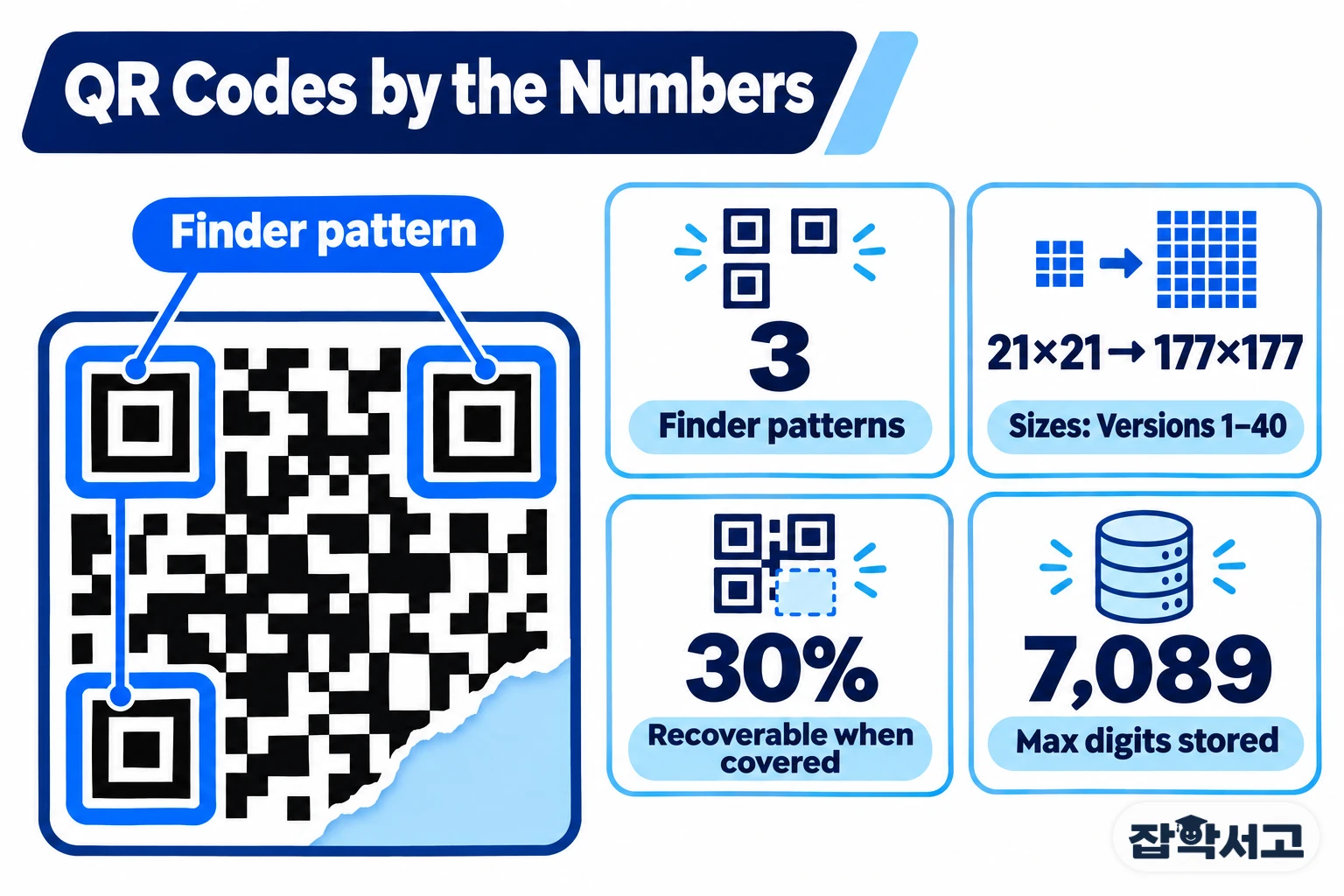
Three corners of a QR code each hold a large square pattern. These squares, called finder patterns, let a camera tell at a glance where the code is and which way it is tilted.
Slice through one of these patterns horizontally and the widths of black, white, black, white and black come out in a 1:1:3:1:1 ratio. The developers chose it after examining printed materials such as flyers and magazines and confirming that this ratio appears the least often. That is why a QR code is found quickly even against a busy background.
There is also a reason it is three corners, not four. Leaving one corner empty means the empty corner instantly reveals the code’s orientation. As a result, a QR code can be read from any direction through 360 degrees.
From version 2 onward, a small square called an alignment pattern is added near the lower right. Even if the paper is curved or the code is photographed at an angle and looks distorted, the reader uses this pattern to correct the positions of the modules.
7,089 — How Many Digits Fit in a Small Square
QR codes come in 40 sizes, from version 1 to version 40. The smallest, version 1, is 21×21 modules, and each step up adds 4 modules per side, so version 40 reaches 177×177 modules.
At the largest size, version 40, with the lowest error-correction level, the maximum capacity is as follows.
- Numbers only: 7,089 characters
- Uppercase letters and numbers: 4,296 characters
- General data: 2,953 bytes
- Kanji and kana: 1,817 characters
QR codes used for menus or payments usually hold just one web address, so a much smaller version is enough. The longer the content, the denser the grid becomes, and the closer you have to hold the camera.
30% — Why It Still Reads When Covered
A QR code has a built-in error-correction feature that restores the original content even when part of it is damaged. There are four levels: L withstands about 7% damage, M about 15%, Q about 25% and H about 30%.
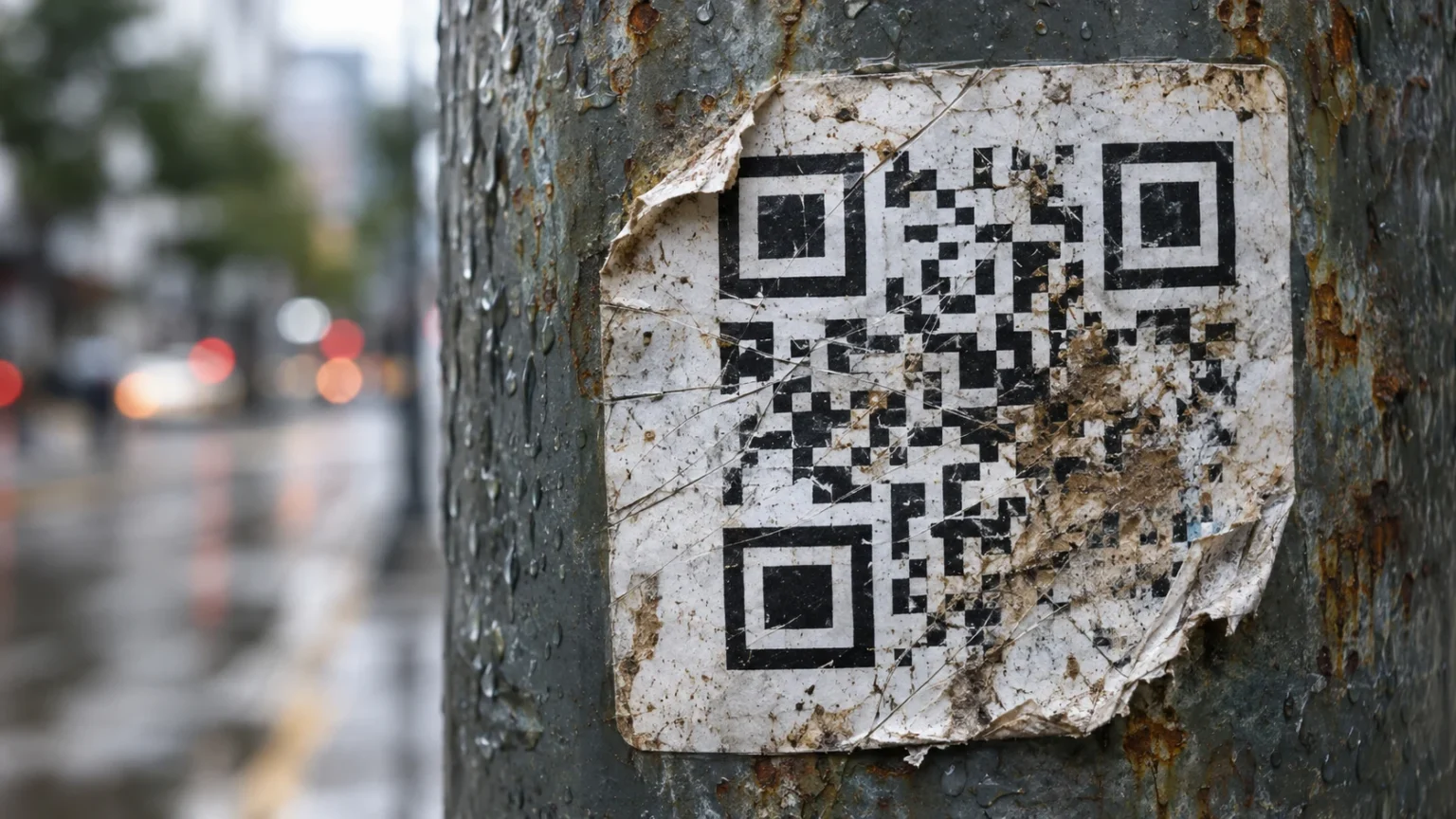
The secret is that the code does not just record the content; it also records extra information produced by calculation. Even if some modules are wiped out, matching the remaining modules against that extra information lets the reader work backward to fill in the gaps. The trade-off is that a higher level needs more extra information, so less content fits in the same size.
This margin is also why a QR code with a shop logo placed in the middle still scans well. However, if an essential part such as a finder pattern is covered, it will not read no matter how high the level is.
The Principle Behind the Numbers
QR code error correction uses a mathematical method called Reed-Solomon code. Also used to correct scratches on music CDs and in satellite communications, it bundles data through polynomial calculations so that it can be recovered even when part of it is lost.
There are also hidden tricks that make the code easier to read. Because a camera gets confused when black or white modules bunch up in one place, the code picks whichever of eight mask patterns mixes the modules most evenly and lays it over the data. The blank margin four modules wide around the code, called the quiet zone, is there to separate the code from the surrounding image.
In the end, a QR code’s toughness is not luck but the result of a design built on numbers. When a smudged QR code still opens on the first try, it is thanks to the squares in three corners working together with invisible extra information.
Recommended reading