
Sometimes you get a report that a program occasionally throws a strange error, and when you fire up the debugger to find the cause, the error vanishes as if by magic. You add just one line of output to check something and the problem stops; delete that line and it comes back. Developers have given these bugs that hide the moment you look at them a nickname borrowed from a physicist’s name: the ‘Heisenbug.’
Put simply, a Heisenbug is a software bug that disappears or changes its behavior when you try to investigate its cause. The term alludes to the observer effect, the idea that the very act of observing changes the state of what is observed, and it is used for bugs that are especially hard to reproduce and track down.
In this article, we will look in turn at where the name Heisenbug came from, why the bugs hide, the bug nicknames used alongside it, and how to catch a Heisenbug.
The Bug That Hides When You Look: The Heisenbug
Where the Name Heisenbug Came From

This nickname was born where a famous principle of physics met programmers’ sense of humor.
(1) A Pun on a Physicist’s Name
Heisenbug is a pun that combines the name of the German physicist Werner Heisenberg, who put forward the uncertainty principle, with the word bug. It is meant to call to mind the observer effect, in which the subject changes the moment you try to observe it.
(2) Its First Appearance in the Record
The earliest known record is a 1983 publication of the Association for Computing Machinery (ACM). In 1985, database researcher Jim Gray used the term in a paper on software failures, which led some to mistakenly believe he had coined it.
(3) An Old Neighbor in Electronics
Electronics already had a term for a similar phenomenon: the probe effect. It refers to the way a device’s behavior changes simply because a measuring probe is touched to the circuit.
The name does draw criticism, however. The uncertainty principle and the observer effect are different concepts, and critics point out that the nickname blends the two as if they were one. So it is better to take Heisenbug not as a precise scientific term but as witty jargon from the world of software development.
Why Do Heisenbugs Hide?

The bug is not really reading the room. It is that the tools and methods used to look for the cause slightly change the conditions under which the program runs.
(1) Execution Timing Changes
Stepping through a program line by line with a debugger makes it run far slower than usual. In programs where several tasks run at once, race conditions, which arise when the order of tasks slips even slightly, are common, and when the speed changes that slip may no longer happen.
(2) Memory Layout Changes
Adding a print statement for checking or rebuilding for debugging changes where variables sit in memory. If the cause is an uninitialized variable or a pointer that points to the wrong place, the symptoms change the moment those locations change.
(3) Optimization Settings Change
It is common for an error to occur only in a program optimized for performance, while the same program built with optimization turned off for debugging works fine. For example, a computed value may have different precision when it is kept in a register than when it is moved to memory, which can change the result of a floating-point comparison.
In the end, a Heisenbug is a real defect that exists on its own and simply shows itself or hides depending on the conditions under which the program runs. The key point is that the cause has not gone away just because the symptom has.

Bug Nicknames Used Alongside Heisenbug
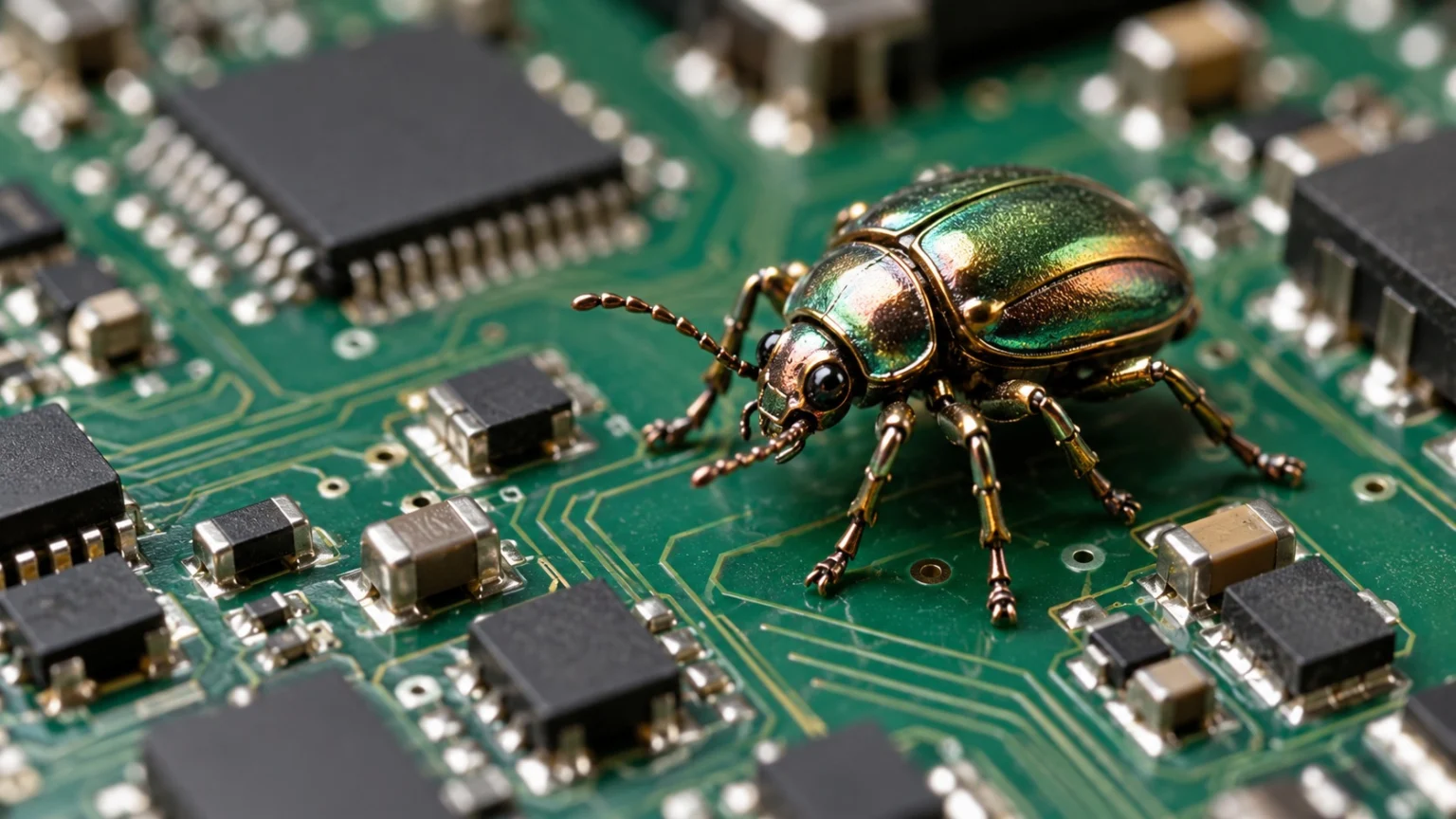
As Heisenbug caught on, a number of other bug nicknames borrowing the names of scientists appeared.
- Bohrbug: A bug that, like physicist Niels Bohr’s model of the atom, follows fixed rules and always appears the same way under the same conditions. Because it is easy to reproduce, it is relatively easy to catch.
- Mandelbug: A bug whose causes are so complex that its behavior seems chaotic. The name comes from Benoit Mandelbrot, the mathematician who studied fractals.
- Schrödinbug: A bug that only starts actually causing problems after a developer reading the code realizes it never should have worked in the first place.
- Higgs-bugson: A bug that logs and user reports suggest must surely exist, but that is hard to reproduce in the development environment.
Most of these nicknames started out as jokes, but they are useful as quick labels for whether a bug can be reproduced and how complex its causes are.
How to Catch a Heisenbug

Heisenbugs are tricky, but with a change of approach you can certainly pin them down.
(1) Keep Records Without Stopping Execution
Instead of halting the program with a debugger, leave lightweight logs that disturb the flow of execution less and examine them after the problem occurs. Reducing the influence of observation is the first principle.
(2) Recreate the Same Conditions Exactly
Match the build settings, input values, and runtime environment in which the problem occurred as closely as possible. Another option is to use tools that record a program’s execution and replay it exactly.
(3) Narrow Down the Suspects
Check, one by one, the causes that most often produce Heisenbugs, such as uninitialized variables, bad pointers, and ordering problems between tasks. Static analysis tools and memory checking tools take much of the burden off this process.
(4) Don’t Stop Just Because It Disappeared
If the symptom stops after you change a single line of code, you need to ask whether the bug was fixed or is merely hiding for a while. Only when you can explain the cause can you say it has been solved.
Heisenbugs remind developers that even the tools they use to observe are part of the system. Even when a bug is out of sight, it pays to ask what the running conditions changed.
Not settling for the moment a symptom disappears, but tracking down the reason all the way to the end: that is the first step toward building reliable software.