
When you look for materials in a library or a research database, it is easy to assume that the first search words you think of will bring back one perfect list of results. In practice, though, as you explore, your interest shifts little by little and clues scatter in many places. In library and information science, the process of picking up useful pieces of information one by one—like picking blueberries one by one in a forest—is called Berrypicking.
Put simply, Berrypicking means “not the classical model in which a single query returns a final result set, but a model in which the query, interests, and strategies change as the search goes on, and useful information is gathered bit by bit.” Marcia J. Bates of the University of California, Los Angeles, gave it this name in her 1989 paper in Online Review, “The Design of Browsing and Berrypicking Techniques for the Online Search Interface.”
In this piece we will look in turn at what Berrypicking means and how it differs from the classical search model; the features of evolving search; six representative techniques with everyday examples; and the direction online search interfaces should take.
The Logic of Gathering Information Bit by Bit
What Is Berrypicking?
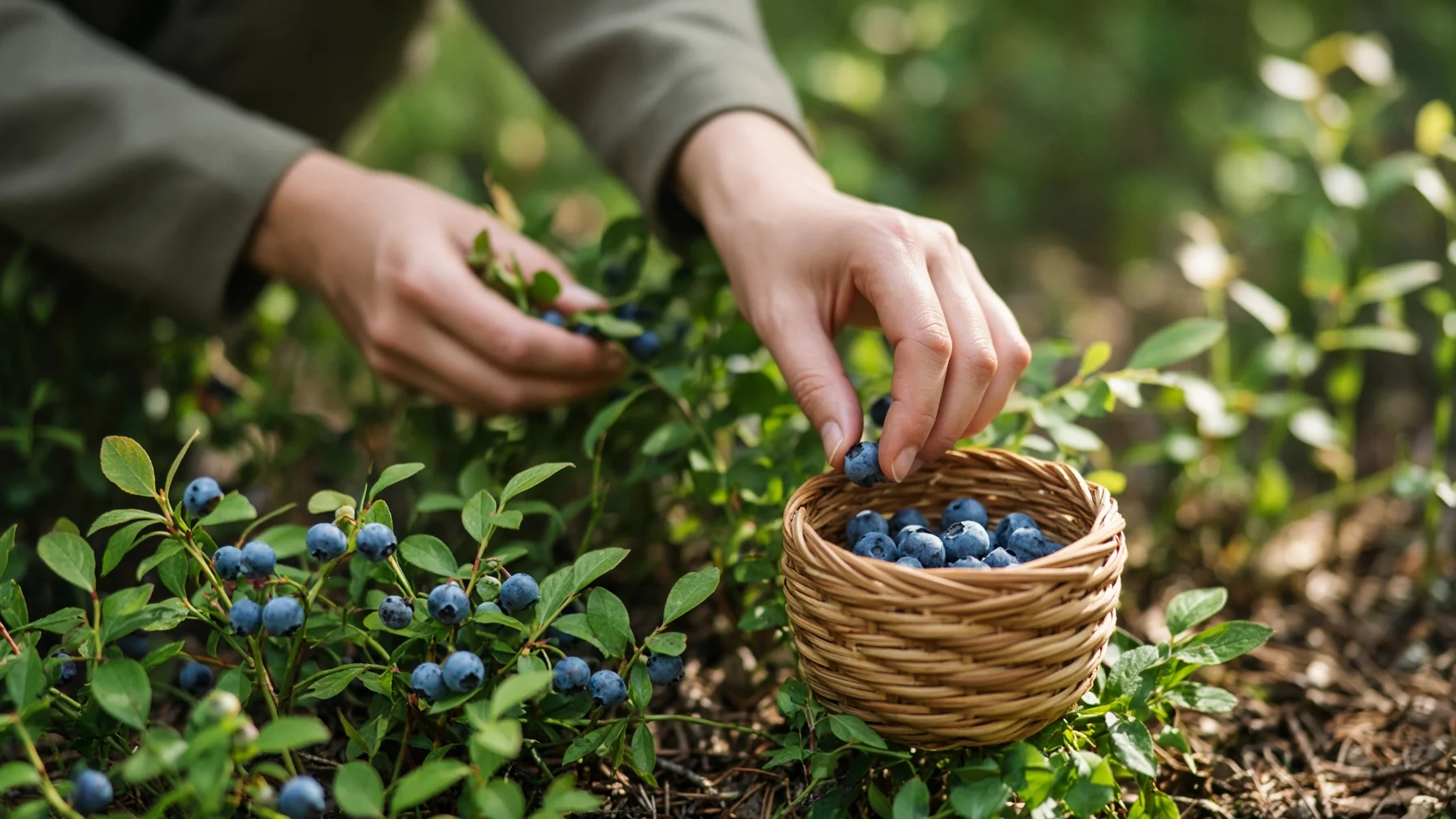
The classical information retrieval model assumes that a user issues a single query, the system matches that query to document representations, and returns one result set. Berrypicking draws a different picture. Real-world searching is often an evolving search, in which the goal itself shifts little by little, and satisfaction comes not from one final bundle but from the sum of pieces picked at each stage.
- Evolving Search: a search in which documents seen along the way change the searcher’s thinking, so that not only the wording of the query but what the searcher wants to know itself changes.
- Bit-at-a-time Retrieval: because information is not clustered in one place—like blueberries in a forest—useful pieces are picked and gathered at each stage.
Bates saw that the traditional model helped experiments but had limits in capturing actual behavior, and argued that online screens should support changing search paths rather than one perfect query.
Four Differences Between Classical Search and Berrypicking

The differences Bates outlined fall into four main strands: the nature of the query, the shape of the whole process, the range of techniques used, and the breadth of the information domains searched.
(1) The query is not fixed
In the classical model, the need is treated as the same from start to finish. Even feedback that shows related documents so the searcher can refine terms is closer to expressing the same need better. In Berrypicking, reading documents partially—and sometimes wholly—changes the interest itself.
(2) Results do not arrive all at once
Rather than waiting for one final answer list, the searcher strings together references, facts, and clues picked at each stage to meet the need. The metaphor of picking blueberries one by one comes from here.
(3) Techniques and sources keep changing
The searcher does not rely on subject indexes alone, but chooses different paths as the situation requires—footnote chasing, citation searching, journal runs, and more. Source types also widen: abstract databases, full text, shelves, reference lists, and so on.
(4) Browsing is not a side path
Casual scanning and serious searching are not treated as separate. Even within directed exploration, glancing at tables of contents, citation lists, and nearby shelves mixes in naturally.
Six Techniques Made Clear with Easy Examples

Bates explains Berrypicking through six techniques from the manual environment. The same framework is easy to find today in the web and scholarly databases.
[Example 1] Following footnotes and citations
Once you find a good paper, you work backward through its footnotes and references to gather earlier research. Conversely, you may use a citation index to track forward to later works that cite that paper. Even without knowing subject terms, the links between documents can widen the field.
[Example 2] Journal runs and shelf scanning
After choosing a core journal, reading through that year’s tables of contents and articles can greatly raise recall within the field. Area scanning—visually browsing books in a nearby classification on the shelf—belongs to the same family. Its strength is the chance encounters with neighboring topics.
The six techniques can be summarized as follows. The point is closer to “do not stick to one method; switch as needed.”
- Footnote Chasing: working backward through the references of a document of interest into earlier work.
- Citation Searching: following forward who later cited the starting document.
- Journal Run: browsing a core journal’s tables of contents for a given year and reading through.
- Area Scanning: visually examining the shelf or classification range near materials already found.
- Subject Searches: finding relevant literature by subject terms in bibliographic, abstracting, and indexing services.
- Author Searching: going on to look for other works by the same author.
What Online Interfaces Need to Accept

The 1989 paper did not stop at introducing a model; it proposed capabilities online search screens should have. Even now, when the web and scholarly databases are everyday tools, that concern does not feel foreign.
(1) Each technique should be reachable in one step
Frequently used strategies—footnote chasing, citation jumps, scanning a journal’s table of contents—should be invokable at once without a long chain of commands. Moving between full text and references via hyperlinks fits Berrypicking well.
(2) There needs to be a place to hold picked pieces for a while
Design that lets searchers mark clues met along the way in a temporary store and fetch them later in one go matters. Bookmarks and citation managers partly play this role.
(3) Do not insist on one perfect query
Autocomplete, recommendations, and related-document suggestions help as the query changes. But if recommendations stay locked to the first input, they can narrow the path after interest has moved on.
The habit of typing words into a search box and scanning only the top results is convenient, but the reality Berrypicking shows is more winding. A good interface does not block that flow; it makes it easy to move to the next clue.
Berrypicking is a concept that lets us see searching not as one-shot answer lists but as growing interest and a hand that picks and gathers. Whether on shelves or on the web, we already collect information this way, moving between footnotes and recommendations.
Treating a changing query not as failure but as the natural flow of exploration, and linking the pieces picked at each moment one after another: that is the first step of wise searching.